
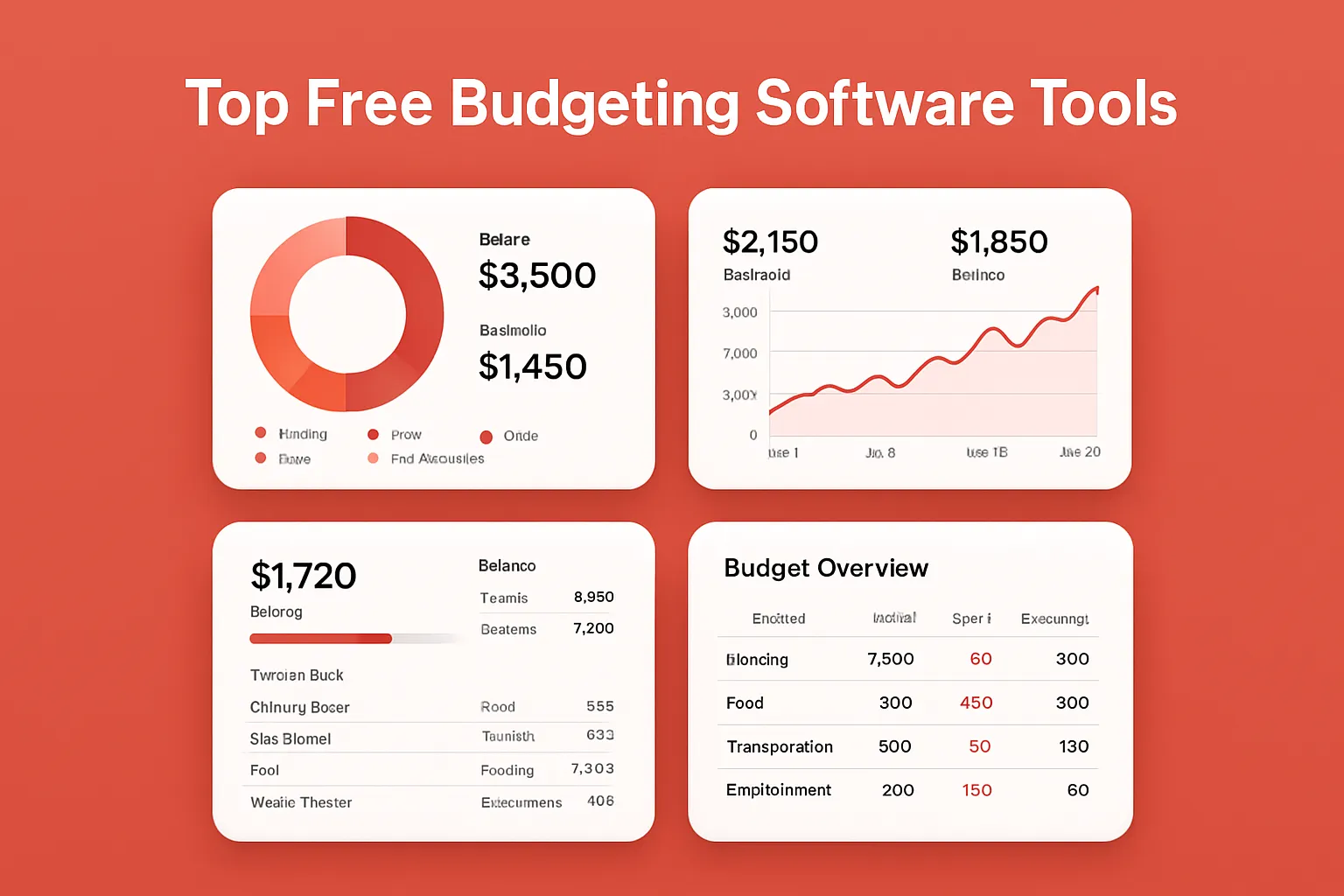
If you’re trying to take control of your finances, choosing the right budgeting software can make all the difference. Juggling spreadsheets and receipts is inefficient, time-consuming, and prone to mistakes. But with the right tools, you can gain clarity, automate your workflow, and build habits that drive long-term financial success—all without spending a dime.
Why Free Budgeting Software Matters for Productivity
Finding quality budget tools that are genuinely free and don’t lock key features behind a paywall is tough. Still, there are excellent free budgeting apps that boost productivity and help automate your financial workflow. Whether you’re looking to track day-to-day expenses, set savings goals, or manage household budgets, the real value is in practical, reliable software solutions designed to fit your actual needs and use cases.
Top Free Budgeting Software Tools to Try
The following apps and tools stand out for their features, usability, and free offerings. We’ve focused on real-world budgeting software that’s both popular and continually updated.
-
Mint
Best for all-around personal budgeting and automation- Overview: Mint by Intuit connects to your bank, credit card, and investment accounts to provide a comprehensive picture of your financial life—all in one dashboard. The app offers automated expense tracking, budget categories, bill reminders, and free credit score monitoring.
- How to use Mint:
- Sign up for a free account at mint.intuit.com.
- Securely add your bank, credit, and other financial accounts—Mint pulls in transactions automatically.
- Review suggested budget categories, or create custom ones to fit your workflow.
- Set monthly spending targets. Mint will notify you if you’re close to exceeding a budget.
- Monitor bills, subscriptions, and receive automated reminders.
-
Pros:
- Automatic transaction syncing saves hours of manual entry.
- Easy-to-read visual dashboards increase productivity and decision-making speed.
- Free credit score tracking adds value.
-
Cons:
- Displays occasional targeted ads and product offers.
- Limited advanced investment tracking versus pro software.
- Real-world example: Freelancers use Mint to separate personal and business expenses by creating custom categories for invoice payments and project costs, automating tax preparation workflows.
-
YNAB (You Need A Budget) – Free for Students
Excellent for zero-based budgeting mastery (students only)- Overview: YNAB is an industry favorite for hands-on, envelope-style budgeting. While it’s usually a paid app, YNAB is 100% free for college students for one year.
- How to use YNAB as a student:
- Register with your .edu email at You Need a Budget.
- Import transactions and manually assign every dollar to a budget category—a core productivity practice.
- Automate bill tracking and set up savings goals for tuition or student loans.
- Regularly review reports to spot trends and adjust workflows.
-
Pros:
- Forces intentional spending and priority setting.
- Syncs with banks and cards for automated input.
- Best-in-class educational resources and community support.
-
Cons:
- Only free for students; others get a 34-day trial.
- Manual category assignments take discipline and initial setup time.
- Real-world example: University students manage semester expenses and automate recurring payments for books, rent, and groceries—improving financial awareness from day one.
-
EveryDollar
Simple zero-based budgeting for beginners- Overview: EveryDollar, from Ramsey Solutions, lets you create custom budgets based on your income and spending. The free version relies on manual entry but is designed for clarity and speed.
- How to use EveryDollar:
- Create a free account at everydollar.com.
- Enter your monthly income and expected expenses into the intuitive drag-and-drop workflow.
- Categorize each transaction as you spend. Simple charts show progress at a glance.
-
Pros:
- Clean interface—minimal learning curve for most new users.
- Encourages a disciplined, zero-based budgeting approach.
- Mobile apps included, so you can track budgets on the go.
-
Cons:
- No automatic account syncing without the paid version.
- Manual data entry is required, which may impact long-term workflow automation.
- Real-world example: Households use EveryDollar for monthly grocery and utility budgeting, sharing a single account with spouses or partners to increase financial transparency and productivity.
-
Personal Capital
Best for those tracking budgets plus investments- Overview: Personal Capital offers free tools for both budgeting and investment management. The dashboard integrates bank accounts, loans, credit cards, and investment portfolios—all automated and consolidated in one place.
- How to use Personal Capital:
- Sign up free at personalcapital.com.
- Connect your financial accounts for automatic transaction and investment syncing.
- Use the Cash Flow tool to track income versus spending, then break down by custom categories.
- Set retirement goals and see progress with the Retirement Planner feature.
-
Pros:
- Automates both daily budgeting and long-term wealth tracking.
- Highly visual productivity dashboards.
- Totally free, with no feature paywalls for core automation tools.
-
Cons:
- Emphasizes investment tools, which may feel overwhelming if you just want basic budgeting.
- May require manual adjustment of some expense categories for optimal workflow.
- Real-world example: Tech professionals use Personal Capital to manage side gig income, automate asset tracking, and budget for both daily living and retirement.
-
Goodbudget
Envelope budgeting app for families and partners- Overview: Goodbudget uses the classic envelope budgeting method in a fully digital app. It’s perfect for households, roommates, or couples who want to share money management duties securely.
- How to use Goodbudget:
- Open a free account at goodbudget.com.
- Create envelopes for every spending category—rent, groceries, entertainment, and more.
- Manually add income and spend from each digital envelope as needed, automating the workflow of traditional envelope budgeting.
- Sync your budget across multiple devices for real-time collaboration.
-
Pros:
- Enables complete transparency and joint accountability.
- Mobile apps support budgeting anywhere.
- Great for managing cash-based workflows or splitting budgets between multiple users.
-
Cons:
- Manual entry—does not automatically sync with banks in free version.
- Envelope limits (up to 20) on the free plan may be restrictive for complex budgets.
- Real-world example: Couples moving in together split expenses in Goodbudget, tracking everything from takeout to utility bills for seamless, automated accountability.
Maximizing Budgeting Productivity With Free Tools
To get the most from these budgeting apps:
- Automate data entry: Where possible, use automatic syncing tools to minimize manual work and accelerate your workflow.
- Set clear, specific goals: Tools with automation let you assign reminders and track savings, turning financial planning into a productivity habit.
- Regularly review and adjust: Schedule a weekly check-in to ensure your budget reflects real-life changes—vital for workflow optimization.
- Leverage multi-device access: Choose apps with mobile versions so you can update your budget anywhere, boosting consistency and accuracy.
FAQ: Free Budgeting Software Tools
-
Q: Are free budgeting apps safe to use?
A: Leading tools like Mint and Personal Capital use bank-grade encryption and never store your credentials. Always enable multi-factor authentication for extra security. -
Q: What’s the difference between zero-based and envelope budgeting?
A: Zero-based budgeting assigns every dollar to a category each month (YNAB, EveryDollar). Envelope budgeting (Goodbudget) divides income into ‘envelopes’ for specific expenses, both methods help automate mindful spending. -
Q: Can I share my budget with family or roommates?
A: Yes. Goodbudget and Mint both allow budget sharing or multiple device access, streamlining collaboration and group workflow. -
Q: Do free apps show ads or upsell paid versions?
A: Some, like Mint, may display targeted product offers. However, essential budgeting features remain free and functional. -
Q: Which tool is best for automating my entire financial workflow?
A: Mint and Personal Capital offer the highest levels of automation, syncing accounts, automating reminders, and offering integrated productivity tools.
In summary, the best free budgeting tools go well beyond basic tracking—they automate workflows, enhance collaboration, and transform productivity. Choose the app that best matches your tech habits, and start building a financial system that saves you time and stress every month.