
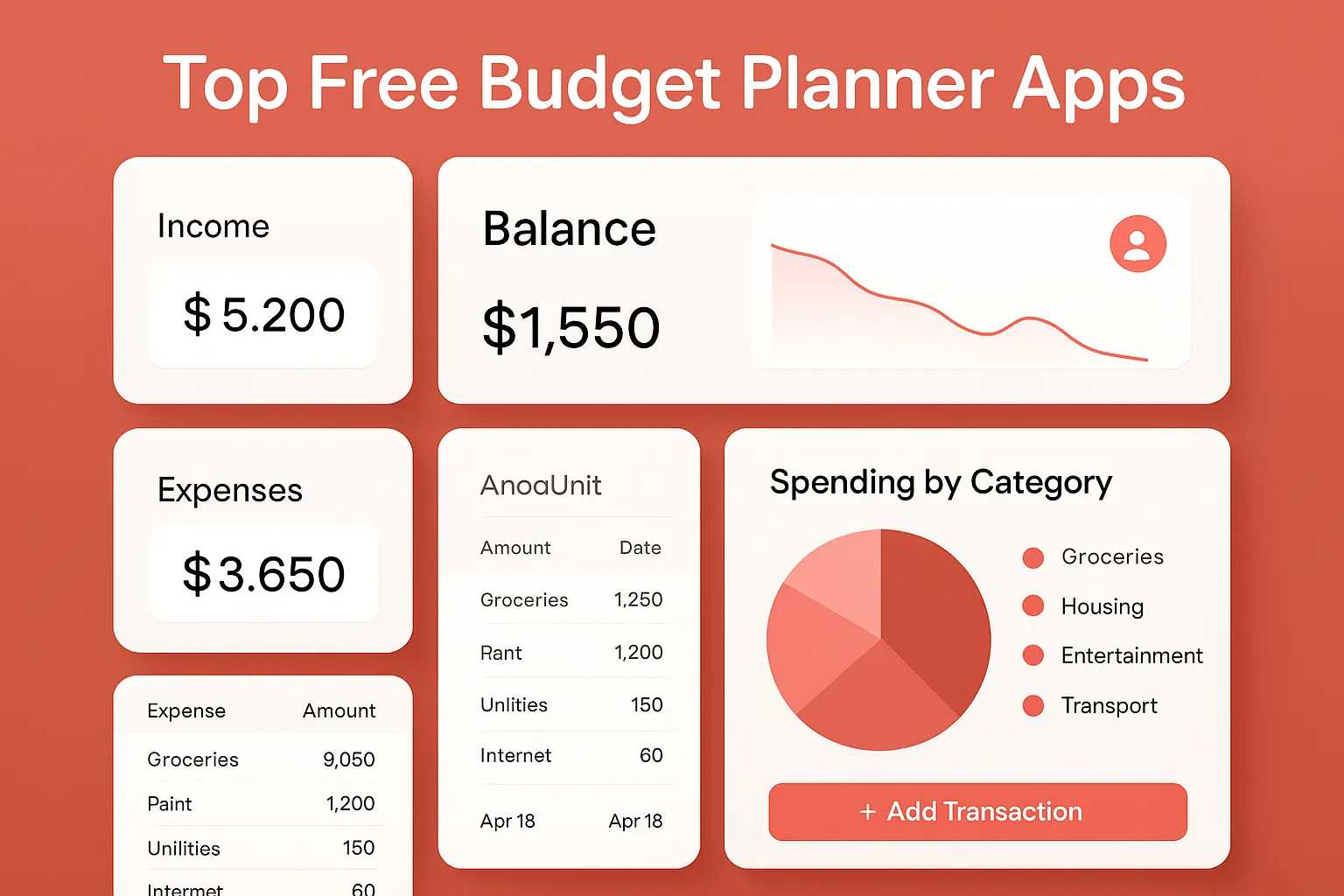
Stressed about your finances? You’re not alone. With rising expenses and fluctuating incomes, staying on top of your money is harder than ever. Manual tracking eats up hours—time better spent elsewhere. The right free budget planner apps and tools can change everything. Instead of scattered spreadsheets and guesswork, you’ll get automated insights, workflow optimization, and a clear view of your financial roadmap. Here, we break down the best free apps and software that make budgeting both easy and smart for real people.
Why Use Budget Planner Apps?
Manual budgeting is time-consuming and error-prone. Budget planner apps and software automate the process with effective productivity features. They connect to your bank accounts, categorize expenses for you, and showcase your spending trends with easy-to-read graphics. Most importantly, these tools help you create sustainable financial workflows—so staying on budget isn’t a monthly struggle.
If you crave more control, want to automate your finances, or need granular insight into your money habits, the following free tools deliver genuine value—no credit card required.
Best Free Budget Planner Apps & Tools
-
Mint
- One of the most popular free budgeting apps, Mint connects seamlessly to your bank accounts, credit cards, and bills. It automatically tracks, sorts, and categorizes every transaction. Set up budgets based on your goals in minutes and receive real-time alerts as you approach your spending limits.
-
How to Use:
- Download the Mint app or use the web version.
- Create a free account and securely link your financial accounts.
- Let Mint auto-import and categorize spending.
- Customize categories and set personalized budgets.
-
Pros:
- All-in-one dashboard for accounts and bills
- Automatic categorization and notifications
- Credit score monitoring included
-
Cons:
- Ads and offers can distract users
- Some bank connections periodically need to be refreshed
- Real-World Example: A freelancer with irregular income uses Mint for workflow automation—tracking what comes in each month and adjusting spending goals dynamically.
-
YNAB (You Need a Budget) Free Trial & Educational Tools
- Technically YNAB is a paid app, but it offers a generous free trial (34 days) and a suite of completely free budget education resources and spreadsheet templates. Their philosophy focuses on giving every dollar a job and making budgeting a proactive—not reactive—workflow.
-
How to Use (for spreadsheets):
- Download free YNAB budget templates from their website.
- Follow the step-by-step onboarding videos to customize categories.
- Manually enter your income and expenses, using the templates to plan and review spending.
-
Pros:
- Excellent education and support resources
- Flexible workflow for unique income styles
- Spreadsheets can be used offline and customized
-
Cons:
- Automated bank sync is paid after trial
- Requires discipline for manual entry if not using the paid app
- Real-World Example: Students, gig workers, or anyone new to budgeting can get started risk-free with YNAB’s comprehensive free templates before committing to an app.
-
Goodbudget
- Inspired by the classic envelope method, Goodbudget’s free tier lets you divide income into up to 10 virtual envelopes. It’s cross-platform, so you can access your planned budget everywhere. While it’s not fully automated, it’s perfect for households or couples who want visibility and transparency.
-
How to Use:
- Sign up for a free account.
- Set up income sources and spending categories (envelopes).
- Manually log all expenses and income. The app or web dashboard shows your progress per envelope.
-
Pros:
- Simple, highly visual budget allocation
- Syncs between multiple users/devices
- No advertisements or data sales
-
Cons:
- No bank account sync at the free level
- Manual entry needed for every transaction
- Real-World Example: Couples living together use Goodbudget to split grocery, rent, and utility budgets for total transparency and accountability.
-
EveryDollar
- EveryDollar’s free version makes zero-based budgeting easy. You plug in your income, allocate funds to every expense category, and manually track outflows. It’s designed for speed and productivity—no financial jargon, just clear workflows.
-
How to Use:
- Create a free account online or in the app.
- Enter your income for the month.
- Set up categories for each expense and assign dollar amounts.
- Record each transaction as it happens.
-
Pros:
- Lightning-fast setup
- Practical for users allergic to complexity
- Motivating dashboard to track progress
-
Cons:
- No sync or automation in free tier
- Best for people willing to log transactions manually
- Real-World Example: Individuals with fixed paychecks love EveryDollar’s straightforward workflow and motivational visuals for hitting savings goals.
-
Google Sheets Budget Templates
- Sometimes the most flexible tool is the one you make yourself. Google Sheets offers dozens of free, prebuilt budget templates (personal budget, monthly cash flow, 50/30/20 rule, etc.). You can automate calculations, build charts, and tailor workflows without sacrificing customization.
-
How to Use:
- Open Google Drive and search for "budget templates."
- Pick a template or download one from Google’s Template Gallery.
- Customize categories and amounts to suit your needs.
- Input your income and expenses each month; let formulas do the math.
-
Pros:
- Completely free and accessible anywhere
- Total control over calculations and visualizations
- Seamless sharing or collaboration
-
Cons:
- Manual entry unless paired with bank export CSVs or automation scripts
- No automatic categorization unless DIY scripts or add-ons are used
- Real-World Example: Small business owners and side hustlers use Google Sheets to integrate budgeting with workflow automation—for example, linking sales logs and expense tracking in one dynamic dashboard.
How to Choose the Right Free Budget Tool
- Automation Needs: Want to automate account sync? Choose Mint. Prefer manual control? Google Sheets or EveryDollar fit well.
- Collaboration: Managing finances as a couple or group? Goodbudget and Google Sheets support shared access.
- Learning Curve: YNAB is ideal for those who want hands-on education and personal finance strategy, even if initial setup takes extra time.
- Workflows: Anyone building broader financial workflows (saving, investing, business tracking) benefits from power-user templates in Google Sheets.
Get Started: Actionable Steps Today
- Pick the app or software matching your needs from the list above.
- Sign up and connect or create your budget files (most take under 30 minutes).
- Set clear goals: saving, debt payoff, or simply expense-tracking. Define and automate alerts for these targets where possible.
- Block 10 minutes weekly to review spending—consistency is key for workflow improvement.
With zero upfront cost and streamlined onboarding, these tools will transform your relationship with money. Small, consistent actions—powered by smart apps—lead to powerful financial outcomes.
FAQ: Free Budget Planner Apps Tools
-
Can I trust free budgeting apps with my financial data?
Top-rated tools like Mint, YNAB, Goodbudget, and EveryDollar use bank-level encryption. Research each app’s privacy policy. Always use secure passwords, and disconnect accounts if you move to a new service. -
Will these tools help me save money automatically?
Mint and some banks offer automatic savings suggestions or transfers. Most free apps focus on tracking, awareness, and building productive money habits through smart workflows. -
Which budget planner is best for couples or families?
Goodbudget and Google Sheets excel for shared budgets with real-time edits and access. Look for tools supporting multiple users. -
How do these apps compare to pen-and-paper budgets?
Apps and digital tools automate calculations, visualize trends, and improve productivity. However, hands-on users may prefer the flexibility of Google Sheets for custom workflow automation. -
Do free budget planner apps support business or side-hustle income?
Google Sheets templates and Mint can track multiple income sources, making them suitable for freelancers, gig workers, or small businesses seeking better workflow control.
Bottom line: Don’t settle for vague money goals. Leverage the power of modern free budgeting tools and apps to automate, optimize, and upgrade your financial workflow starting today.