
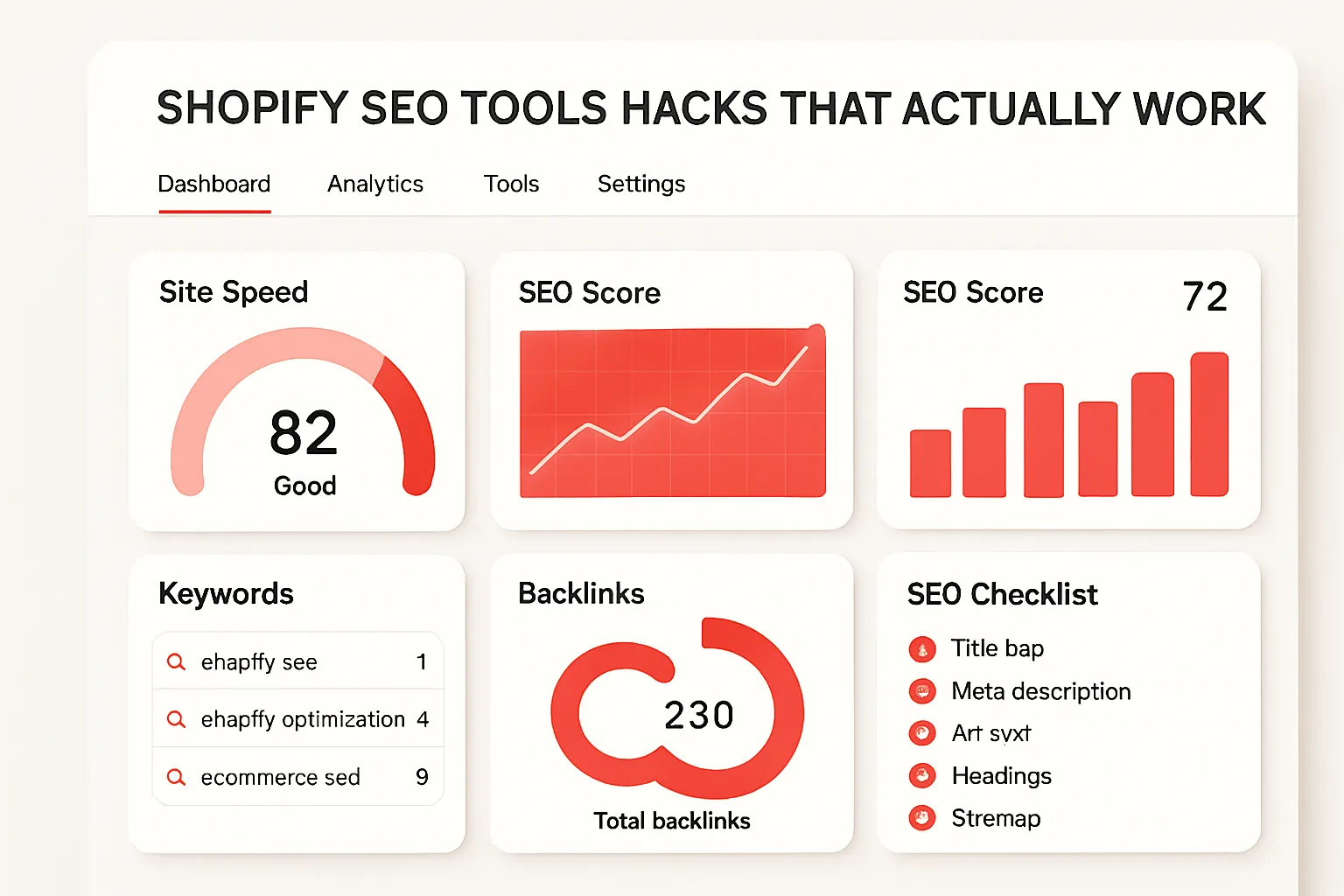
Shopify SEO can be a game-changer for your e-commerce store—if you use the right tools and know how to leverage them. But let’s face it: simply installing an SEO app won’t skyrocket your rankings or traffic. The real difference comes from using targeted, proven tools in smart ways. Here are the Shopify SEO tool hacks that actually work—backed by real results and hands-on strategies.
Why Most Shopify SEO Tools Fall Short
Many Shopify store owners install handfuls of SEO apps, hoping one “silver bullet” will do the trick. In reality, generic solutions or “all-in-one” SEO apps leave you with half-baked fixes. The problem? They rarely address your unique product catalog, technical SEO issues, or the nuances of e-commerce workflows. The solution: identify high-impact tools and use them with an optimized workflow that automates tedious tasks and drives real organic growth.
Top Shopify SEO Tools and Optimized Workflows That Work
-
Plug In SEO
- Use case: Automated SEO audits & action guides
- How it works: Plug In SEO scans your entire Shopify site for common problems: meta tags, speed, broken links, structure. It provides quick, actionable fixes so you can resolve issues instantly, not “eventually.”
-
Step-by-Step:
- Install Plug In SEO from the Shopify App Store.
- Run the initial audit and review flagged issues.
- Follow the in-app guide for each fix (e.g., update missing meta descriptions or images with alt tags).
- Set up automated weekly scans and notifications.
- Pros: Easy, automated checks; beginner-friendly; integrates with Shopify themes.
- Cons: For deep issues (like schema or complex redirects), you’ll need other tools.
- Real-world example: In one case, a clothing store fixed a duplicate meta title issue and saw a 20% boost in click-through rates just from updating meta tags discovered by Plug In SEO.
-
Smart SEO
- Use case: Automated meta tag and image alt text generation
- How it works: Smart SEO bulk-generates and updates meta descriptions, titles, and alt tags using custom templates. This automation dramatically speeds up the SEO workflow for large product catalogs.
-
Step-by-Step:
- Install Smart SEO and set up your custom templates (e.g., {product_title} | Free Shipping | YourBrand).
- Apply the templates across products and collections.
- Review and tweak the automated outputs for top sellers or key categories.
- Set Smart SEO to auto-update new products as you add them.
- Pros: Huge time-saver; keeps SEO consistent; handles multi-language stores.
- Cons: Templates can be generic—customize for important products.
- Real-world example: A home goods store used Smart SEO to instantly update image alt text for 2,000 products, improving image search visibility within a week.
-
JSON-LD for SEO
- Use case: Automating rich snippet and structured data markup
- How it works: This tool injects JSON-LD structured data (schema markup) for products, reviews, prices—making your listings eligible for rich results in Google.
-
Step-by-Step:
- Install JSON-LD for SEO from the Shopify App Store.
- Configure the app to enable the product, review, and FAQ schema for the relevant parts of your store.
- After setup, use Google’s Rich Results Test to check your pages for schema errors.
- Pros: Set-and-forget automation; keeps up with Google’s schema standards; supports all key rich snippet types for e-commerce.
- Cons: Initial setup can be intimidating for non-tech users.
- Real-world example: A jewelry shop gained review stars in their Google results within three weeks, boosting organic CTR by 30% without any additional link-building or content changes.
-
SEO Manager
- Use case: Hands-on control plus built-in productivity automations
- How it works: SEO Manager combines guided optimizations (for meta tags, alt text, and more) with advanced features (redirects, structured data, integration with Google Search Console) to create an actionable SEO workflow.
-
Step-by-Step:
- Install SEO Manager and connect your Google Search Console account.
- Run the SEO checkup to find immediate issues.
- Use the 404 redirect tool to recover lost traffic—set up auto-redirects for any broken or removed URLs.
- Track keyword rankings directly from the app to measure results over time.
- Pros: Streamlines multiple SEO tasks; automation for redirects; insights on what’s working.
- Cons: Some features require manual setup or ongoing management.
- Real-world example: An electronics retailer implemented automatic, rules-based redirects for discontinued products—saving hours of manual work and avoiding drops in organic rankings.
Boosting Shopify SEO with Productivity and Automation Apps
While SEO-specific apps are the main players, you can amplify your workflow by pairing them with top-rated productivity and automation tools:
- Matrixify (Excelify) – For bulk editing product data, meta tags, and URLs. Perfect for large catalogs: export product data, update titles/descriptions/meta in bulk, and import changes—all in one streamlined workflow. Significant time-saver for content and SEO updates.
- Shopify Flow – If you’re on Shopify Plus, automate tasks like sending SEO checkup reminders or tagging underperforming products for review. This app automates notifications, content workflows, and even integrates triggers from SEO tools.
- Google Search Console + Google Analytics – Not Shopify-native, but essential for tracking which optimizations are moving the needle. Set up custom alerts to notify you when traffic, rankings, or URL errors spike.
Shopify SEO Tools: Real Workflow Stack Example
Here’s how a mid-size Shopify store increased organic traffic by 40% in six months using a smart tool stack:
- Ran weekly site audits with Plug In SEO to catch new errors
- Bulk-updated meta tags and images monthly with Smart SEO
- Leveraged JSON-LD for SEO to implement rich results
- Used SEO Manager to monitor keywords and automate 404 redirects
- Managed large catalog changes with Matrixify bulk editing
- Set up automated productivity alerts in Shopify Flow and Google Analytics
This workflow fixed recurring SEO problems, automated tedious updates, and freed up the marketing team for content and outreach.
Pros and Cons of Shopify SEO Tools & Automation
- Pros:
- Reduces tedious, repetitive tasks
- Ensures SEO best practices are consistently applied
- Makes large-scale SEO updates practical
- Offers ongoing site health monitoring
- Integrates with existing workflows and analytics tools
- Cons:
- Tools need to be set up and customized for best results—“set and forget” won’t deliver full value
- Some workflows still require manual review for high-priority products
- Running too many apps can slow down your store; consolidate where possible
FAQ: Shopify SEO Tools and Automation
- Do I need multiple SEO apps on my Shopify store?
Not necessarily. Focus on a few high-impact SEO tools that can automate and streamline your workflow. Avoid installing apps with overlapping features to maintain site speed. - What’s the easiest win for Shopify SEO automation?
Automating meta tags and image alt text with apps like Smart SEO is often the fastest way to improve rankings and traffic—especially for large product catalogs. - How do I avoid site speed issues with many Shopify apps?
Choose lightweight apps, consolidate where possible, and regularly audit site speed with tools like Google PageSpeed Insights and Plug In SEO. - Can automation replace manual SEO work?
Automation handles repetitive tasks, but human review is still key for creative optimizations—like keyword research, content, and link-building. - Which apps are best for a small Shopify store just starting SEO?
Start with Plug In SEO for audits and Smart SEO for quick wins on meta tags and product images. Add more advanced workflow tools as your catalog grows.
Bottom line: The right strategy isn’t about piling on Shopify apps—it’s about integrating the best SEO tools into a smart, automated workflow. Use purpose-built tools, keep your workflows lean, and review results regularly. That’s how you beat your competitors on Shopify SEO in 2024.