
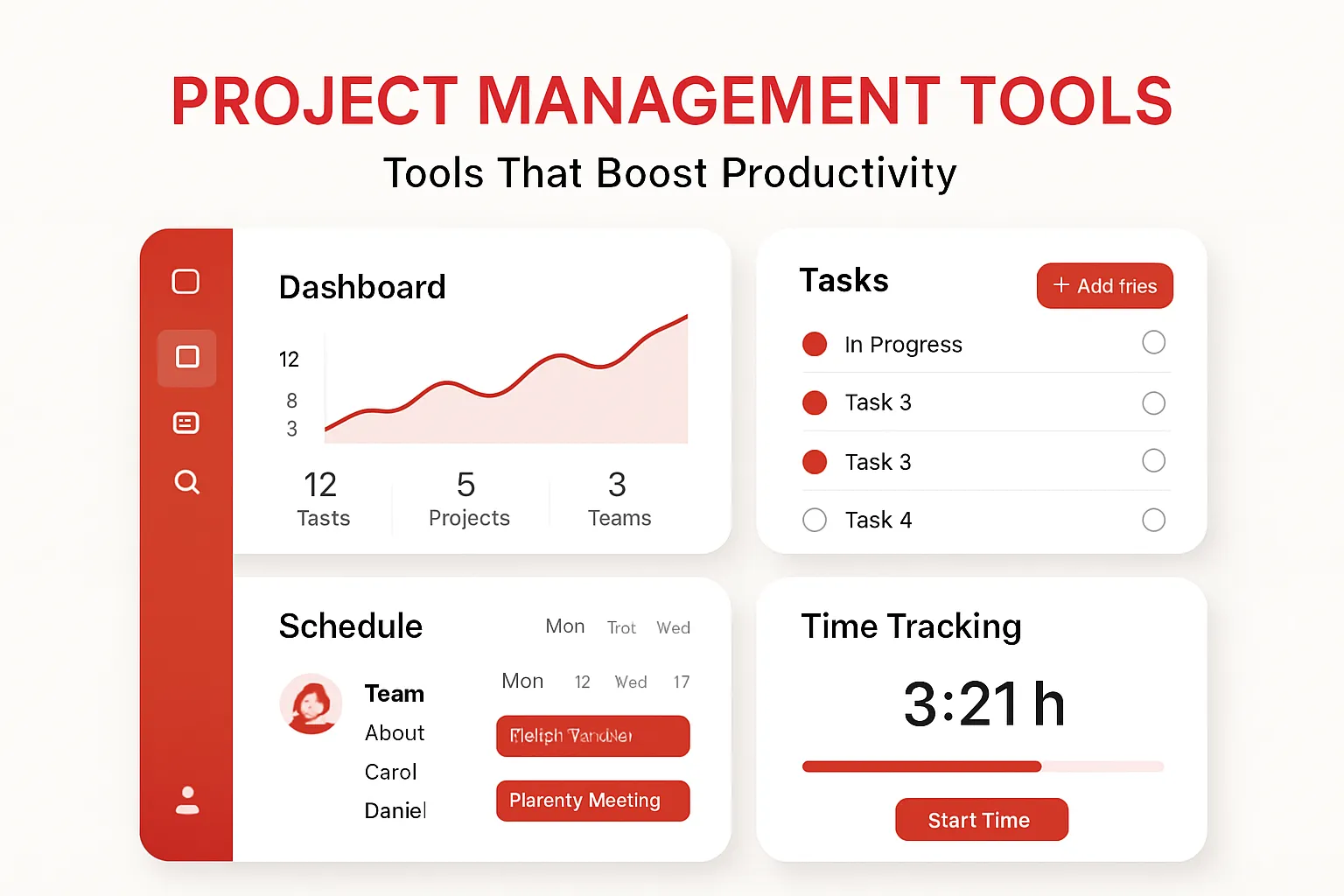
Is your team constantly battling missed deadlines, poor communication, or disorganized projects? The truth is, even the most skilled professionals can struggle without the right project management tools. In today’s fast-paced, remote-friendly business world, leveraging the right productivity software isn’t a luxury; it’s essential. The right apps and workflow automation tools don’t just help you keep track—they fundamentally transform how your team collaborates, communicates, and delivers results.
Why Project Management Tools Matter
Organizations face mounting pressure to deliver more with less time. Without a central hub for projects, information gets lost, tasks fall through the cracks, and productivity plummets. That’s where dedicated project management tools come into play. These powerful platforms consolidate communication, tasks, files, and timelines, making it simple to keep everyone focused—and accountable.
But not all tools fit every team. Let’s explore the real-world value of leading project management apps, uncover key features, and show you how to integrate them into your workflow for maximum productivity.
Top Project Management Tools to Boost Productivity
-
Trello
- Trello’s visual boards and drag-and-drop interface make it ideal for teams that thrive on clarity and simplicity. Each project becomes a board, containing task cards grouped into customizable lists. It’s perfect for small businesses, marketing teams, and agile methodologies.
- Real-World Example: A content marketing agency uses Trello boards to coordinate blog production, from brainstorming to publishing. Each card represents a blog post, moving through stages ("Ideas", "Writing", "Editing", "Published"), with attachments and checklists for accountability.
-
Asana
- Asana excels at breaking down projects into granular tasks while offering powerful reporting and automation. It’s well-suited for larger teams needing task dependencies, timelines, and workload management.
- Real-World Example: A software development team leverages Asana to manage product sprints, assign tasks to developers, set due dates, and track bottlenecks. Custom fields and project templates streamline recurring workflows.
-
Monday.com
- Monday.com is highly customizable, offering visual dashboards, automation, and advanced integrations. Teams can build workflows that mirror unique business processes, from HR onboarding to sales pipelines.
- Real-World Example: A recruitment agency uses Monday.com to automate candidate tracking, auto-assigning interview tasks and integrating emails and calendar invites. Dashboard widgets provide instant insights.
-
ClickUp
- ClickUp combines documents, tasks, goals, chat, and time tracking into one interface. Its flexibility helps marketing, product, and remote teams manage everything from daily stand-ups to long-term planning.
- Real-World Example: A SaaS startup consolidates project trackers, content calendars, and internal documentation in ClickUp, eliminating app-switching and boosting overall workflow productivity.
-
Notion
- Notion blurs the line between documentation and project management tools, mixing databases, wikis, and Kanban boards. It’s ideal for small teams needing a flexible, all-in-one space for notes, projects, and knowledge sharing.
- Real-World Example: A remote consultancy organizes client onboarding, meeting notes, and deliverable trackers within a single Notion workspace accessible to the entire distributed team.
How to Use Project Management Tools Effectively: Step-By-Step
Selecting a software tool is only half the battle. Embedding it into your workflow is key. Here’s a practical step-by-step approach:
- Define Your Needs: List project challenges—e.g., tracking tasks, sharing files, visualizing deadlines, automation, integrations.
- Choose the Right Fit: Trial multiple apps with a core team. Focus on usability, customization, and scalability.
- Standardize Workflows: Build standardized boards, templates, or lists. For example, every project has the same task stages and custom fields.
- Automate Repetitive Tasks: Use built-in automation tools—like auto-assigning tasks, due-date reminders, or syncing with Slack/Email.
- Onboard the Team: Provide hands-on demos, documentation, and set expectations around usage.
- Monitor and Iterate: Regularly review usage. Gather feedback to refine processes, add useful integrations, or adjust automation rules.
Pros and Cons of Leading Project Management Tools
-
Trello
- Pros: User-friendly, visual; excellent for simple task management; free tier is generous.
- Cons: Lacks advanced reporting and built-in time tracking; not ideal for large-scale projects.
-
Asana
- Pros: Robust features (dependencies, timelines); strong integrations; powerful automation.
- Cons: Can be overwhelming for small teams; premium features cost extra.
-
Monday.com
- Pros: Extremely customizable; advanced workflow and automation capabilities; visual dashboards.
- Cons: Learning curve can be steep; pricing rises with team size.
-
ClickUp
- Pros: All-in-one software; built-in docs and chat; extensive free plan; detailed reporting.
- Cons: Interface can feel cluttered; setup requires planning.
-
Notion
- Pros: Flexible, customizable; combines notes, databases, and project management in one app; excellent for documentation-heavy teams.
- Cons: Designed more for small to mid-sized teams; lacks native Gantt charts and complex workflow automation.
Automate Your Workflow for Greater Productivity
Leading project management tools now offer robust workflow automation that eliminates repetitive manual work. Here’s how you can leverage automation:
- Automatically assign incoming project requests to the right team member with Monday.com automations.
- Configure Asana rules to auto-advance tasks or notify stakeholders when deadlines approach.
- Integrate Trello with Slack or email apps for instant activity notifications, ensuring nothing falls through the cracks.
- Use ClickUp’s Templates and Automations to create standardized processes for onboarding or sprint planning.
Practical automation not only saves time but also ensures your team maintains a smooth, repeatable workflow. The key: start simple, focus on pain points, and expand as your team becomes comfortable with the process.
Real-World Productivity Gains: Success Stories
- Global Non-Profit Streamlines Campaigns: An international NGO struggled with tracking dozens of grant-funded projects. By switching to Asana, they centralized reporting, automatically assigned grant renewal tasks, and cut manual coordination hours by 40%.
- Creative Agency Slashes Email Volume: A design firm adopted Trello to replace endless email chains. Visual boards made project status obvious, while deadline automations kept everyone accountable—project turnaround time improved by 30%.
- Remote Tech Startup Unifies Documentation: A distributed SaaS team switched to Notion, creating a living company wiki and integrating product roadmaps with current projects. This reduced onboarding friction and improved cross-functional alignment.
FAQ: Project Management Tools & Productivity
-
What is the best project management tool for small teams?
Trello or Notion are excellent due to their simplicity, visual approach, and low barrier to entry. Small teams benefit from tools with minimal setup and easy onboarding. -
Can project management apps automate repetitive tasks?
Yes. Nearly all modern software—including Monday.com, Asana, and ClickUp—support workflow automation like auto-assignments, reminders, and integrations with other tools. -
How do these tools improve productivity?
They organize tasks, centralize communication, enable real-time updates, and reduce manual work through automation. This keeps teams aligned and focused. -
What’s the difference between project management software and simple task trackers?
Project management tools offer features like dependencies, reporting, automation, and integrations—suitable for complex projects and larger teams. Basic task trackers are best for personal to-do lists or very small projects. -
How do I choose the right tool?
List your workflow needs, trial a few apps, involve your team in evaluation, and prioritize usability, integrations, and scalability for future growth.
The bottom line: Choosing the right project management tools—and embedding them in your daily workflow—can dramatically improve your team’s productivity. Don’t just use software for the sake of it; choose apps that fit your projects, automate your processes, and turbocharge collaboration. Try a few, gather feedback, and refine your approach for real-world, lasting results.