
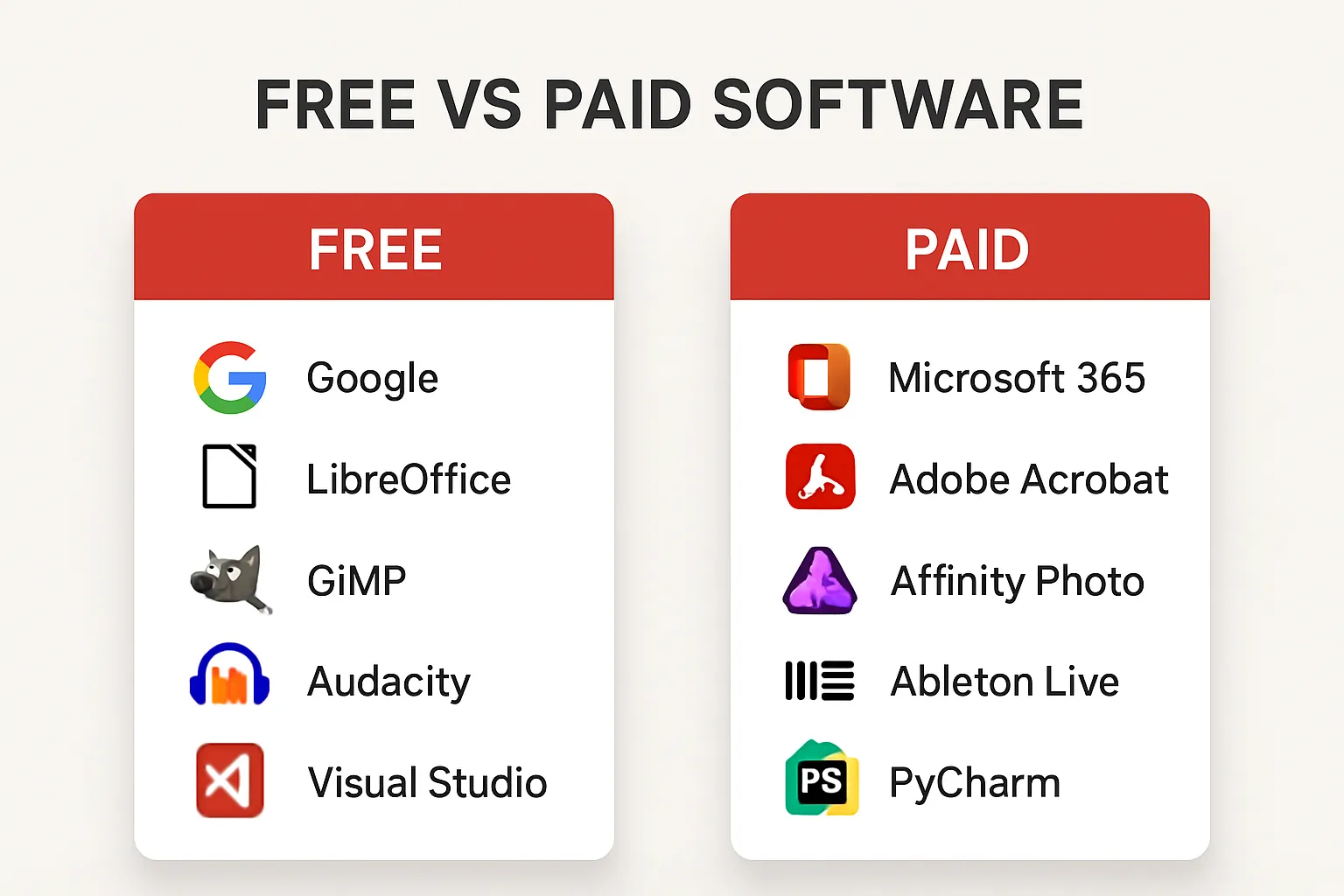
Overwhelmed by hundreds of apps and tools promising to boost productivity? Most professionals and teams struggle with the same dilemma: Should you use free software or invest in paid tools for your workflow and automation needs? Choosing the right apps can directly impact your efficiency, cost, and even data security. This guide cuts through the noise, comparing the best free and paid software—with practical recommendations, real use cases, and actionable steps to help you pick what works for your business or personal productivity.
Why Choosing the Right Tools Matters
The right software tools can automate repetitive tasks, streamline collaboration, and help you hit your deadlines. Yet, there’s no one-size-fits-all solution. Some free tools offer incredible value for small teams or individuals, while paid software may unlock advanced features critical for complex workflows and growth.
Top Free Software Tools Worth Trying
Free doesn't mean "basic" or "cheap." Many free apps rival paid competitors. Here are some tried-and-tested options for various productivity scenarios:
- Notion: All-in-one workspace for notes, project management, and databases. Notion’s free plan supports individual use and small teams, offering templates for everything from task management to personal habit tracking.
- Trello: Visual project boards ideal for tracking tasks or managing small projects. The free plan includes unlimited cards and simple automations with Butler.
- Google Workspace (Free Tier): Google Docs, Sheets, Slides, and Drive offer robust cloud-based productivity—perfect for teams needing real-time collaboration.
- Zapier (Free Plan): Basic web automation tool that connects popular apps. Even the free plan lets you automate simple, repetitive tasks without coding.
- Bitwarden: Free and open-source password manager, ideal for anyone who wants secure credential storage without subscription fees.
When To Consider Paid Software
Free tools are great for starting out or running lean teams. However, you’ll hit limits as your needs grow:
- User limits: Free plans often restrict the number of users or projects.
- Feature access: Key integrations, advanced automations, and analytics are usually behind paywalls.
- Support: Paid plans offer dedicated or priority support critical for business continuity.
- Data security: Enterprises often require compliance and advanced security only found in paid tiers.
Investing in software can save hours, automate high-stakes processes, and enable serious workflow improvements.
Top Paid Productivity & Automation Apps
Here are high-value, paid apps to consider if you’re ready to invest for enhanced productivity and workflow automation:
- Todoist (Pro): Leading task manager with custom filters, reminders, and productivity analytics. The paid plan unlocks labels, file uploads, and collaborative project features.
- Asana (Premium): Project management powerhouse. Paid tiers include timeline views, advanced integrations, and rule-based automation—crucial for scaling teams.
- Zapier (Premium): Essential for business process automation. The premium plans support multi-step Zaps, advanced scheduling, and connections to premium apps like Salesforce or HubSpot.
- Grammarly (Premium): AI-powered writing assistant. Paid version catches advanced errors, improves clarity, and integrates with Microsoft Office and Google Docs—critical for professional communication.
- LastPass (Teams): Comprehensive password management with centralized admin controls, reporting, and secure vault sharing—suitable for organizations that take security seriously.
How to Get the Most from Free Software: Step-by-Step Example
Let’s say you want to automate repetitive email notifications when a new lead fills out a Google Form.
- Sign up for a free Zapier account.
- Connect your Google Forms and Gmail accounts.
- Create a "Zap" with this trigger: New form response in Google Forms.
- Add the action: Send email in Gmail.
- Customize the email template using data from the form fields.
- Test the workflow and turn on your Zap.
With the free plan, you can automate up to 100 tasks/month—plenty for most small business scenarios. Upgrade as your automation needs grow.
Paid Tool Example: Unlocking Advanced Workflow Automation
Suppose your team needs to move data between multiple apps (e.g., Salesforce, Slack, Airtable) and coordinate follow-up actions.
- Upgrade to Zapier Premium for unlimited Zaps and advanced app integrations.
- Build a multi-step workflow: When a lead is added in Salesforce, create a record in Airtable, then send a custom Slack alert.
- Use Zapier’s "Paths" feature to branch workflow logic based on lead properties or deal size.
- Monitor analytics inside Zapier to optimize and troubleshoot your automations.
Paid plans unlock reliability, priority task handling, and support for business-critical automation that free tiers simply can’t match.
Pros and Cons: Free vs Paid Software
- Free Software Pros: No cost, easy to try, minimal risk, sufficient for solo users or basic use cases.
- Free Software Cons: Feature limitations, lower support, user or task caps, limited scalability.
- Paid Software Pros: Advanced automation, business-grade reliability, robust integrations, security, and superior support. Designed for growth and complexity.
- Paid Software Cons: Recurring costs, learning curve for advanced features, possible vendor lock-in.
Real-World Use Case: From Free to Paid in Action
A small marketing agency used Trello (free) to manage campaigns and Google Drive for file sharing. As they landed bigger clients, collaboration bottlenecks appeared—lost files, missed deadlines, no automation.
Upgrading to Asana Premium and integrating Slack (paid) allowed them to automate routine task assignments, visualize timelines, and improve team accountability. Productivity increased, errors dropped, and onboarding new team members became seamless.
How to Choose the Right Tools for Your Workflow
- Define Your Needs: Map out workflows to identify bottlenecks, manual tasks, and collaboration pain points.
- Pilot Free Solutions: Test top-rated free software in your daily work. Evaluate limitations.
- Assess ROI: Calculate the time/cost impact of upgrading to paid apps. Consider trialing premium plans before committing.
- Scale As Needed: Start lean. Move to paid tools as your complexity, headcount, or data security requirements grow.
FAQ: Free vs Paid Apps, Automation & Productivity Tools
-
Q: Can free productivity tools really compete with paid software?
A: Yes—for basic needs, many free apps provide comprehensive features. However, paid software typically offers better workflow automation, reliability, and support, which becomes crucial as your needs scale. -
Q: What is the best free tool for simple team collaboration?
A: Trello and Notion are top choices. Both offer intuitive interfaces, mobile apps, and essential task tracking features at no cost. -
Q: When should I pay for automation tools?
A: Upgrade when you hit limits—such as restricted Zaps or workflows, app integration needs, or data volume. Businesses benefit from investing early in workflow automation to prevent bottlenecks. -
Q: Are there risks in using only free software?
A: Yes. You may encounter data caps, lack of support, or security issues as you grow. Paid tools help mitigate these risks through better compliance and reliability. -
Q: How do I switch from a free app to a paid alternative?
A: Most paid tools offer easy data import for migration. Always export your data, test the paid tool in trial mode, and create a migration checklist to ensure nothing is lost.
Conclusion: Free software is the perfect starting point for testing workflows and automating simple tasks. But when your productivity stalls or your workflow demands grow, investing in paid apps unlocks powerful features and peace of mind. Evaluate your process, start simple, and scale your toolkit as your needs evolve.