
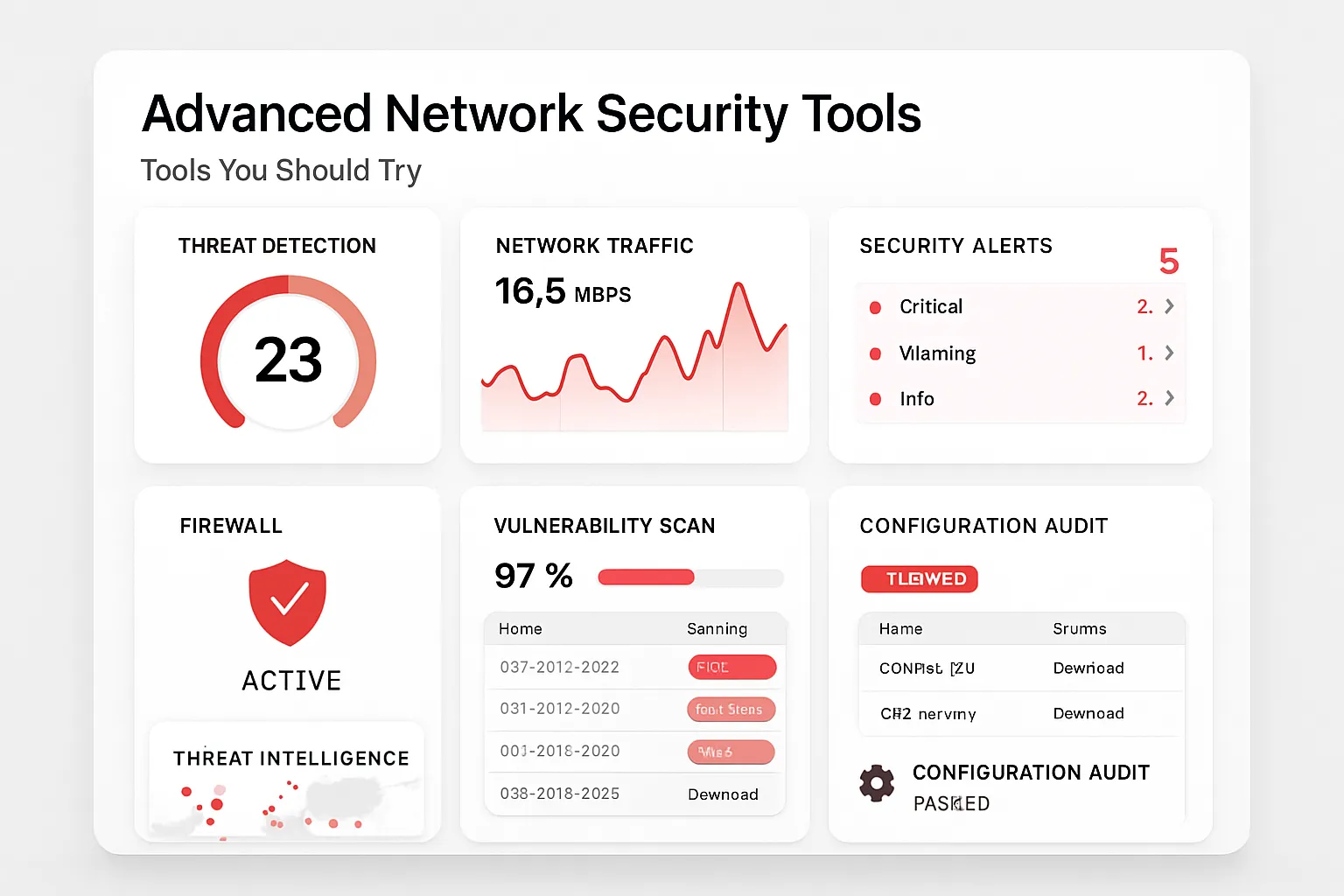
Cyber threats today evolve faster than most businesses can react. One leak, one overlooked vulnerability, or a single unpatched system can spell disaster. Organizations cannot afford to rely on basic measures alone. Advanced network security tools are now indispensable for defending data, ensuring privacy, and maintaining uptime. The good news? The right set of security apps, software, and automation tools can transform your workflow and reduce risk. Let’s break down the leading options, how to use them, and why they matter.
Why Advanced Network Security Tools Are Critical
A decade ago, a basic firewall and antivirus software were enough for most networks. Today, sophisticated cybercriminals exploit zero-day vulnerabilities, leverage advanced persistent threats (APTs), and automate attacks at scale. To combat this, security professionals turn to next-generation tools designed for both proactive detection and rapid response.
The right network security tools can:
- Detect threats before they reach critical systems
- Automate routine tasks, freeing security teams for high-impact work
- Integrate with other apps for seamless productivity
- Provide actionable intelligence to accelerate incident response
Top Advanced Network Security Tools to Enhance Your Security Workflow
1. Zeek (formerly Bro) – Network Analysis Framework
Use case: Deep packet inspection, network forensics, incident response
Zeek is a powerful open-source platform for comprehensive network security monitoring. Unlike traditional intrusion detection systems, Zeek sits on the edge of your network, analyzing traffic in depth and creating extensive logs ideal for investigations or compliance.
- Pros: Flexible, highly customizable, vast protocol support, integrates with SIEM tools
- Cons: Steeper learning curve, resource-intensive on high-throughput links
How to use Zeek step-by-step:
- Deploy Zeek on a dedicated Linux machine (physical or virtual).
- Connect Zeek to a network SPAN port or tap to monitor live traffic.
- Configure Zeek scripts to capture relevant protocol or attack data (HTTP, DNS, SSL/TLS, etc.).
- Export Zeek logs to your SIEM (e.g., Splunk or ELK) for real-time alerting and analysis.
Example: A financial firm uses Zeek to log all DNS queries and detect domain generation algorithm (DGA) activity—a common sign of malware beacons.
2. Kali Linux – The Security Professional’s Swiss Army Knife
Use case: Penetration testing, vulnerability assessment, red teaming
Kali Linux is not just an OS. It’s a robust toolkit of over 600 penetration testing tools and apps like Nmap (network mapping), Metasploit (exploit development), Wireshark (protocol analysis), and more. Whether you’re stressing your defenses or automating routine scans, Kali brings everything together in one customizable platform.
- Pros: Comprehensive toolset, regular updates, strong community, highly customizable workflows
- Cons: Can be overkill for simple tasks, requires responsible usage—can be misused if not careful
Quick productivity workflow:
- Install Kali Linux (bare metal or VM).
- Use apps like Nmap for reconnaissance (nmap -A target.ip).
- Switch to Metasploit for vulnerability exploitation (msfconsole, then search for exploits).
- Document findings directly in the OS using tools like KeepNote or Dradis.
Example: A SaaS company runs quarterly penetration tests using Kali to automate vulnerability scans and ensure continuous compliance.
3. CrowdStrike Falcon – Cloud-based Endpoint and Network Security
Use case: Real-time endpoint protection, automated threat detection, incident response
CrowdStrike Falcon uses lightweight agents and cloud analytics to detect, contain, and respond to threats across your network. Its productivity-boosting automation means security teams spend less time on manual triage and more on strategic improvements.
- Pros: Minimal footprint, automated detection, real-time response, strong reporting
- Cons: Subscription-based, cloud reliance may not suit all compliance regimes
Getting started:
- Deploy lightweight Falcon sensors to endpoints (Windows, Mac, Linux).
- Log into the Falcon dashboard to view detections and automate response actions (block, isolate, investigate).
- Integrate Falcon with other apps (SIEM, workflow automation tools) via its API.
Example: A global law firm uses Falcon’s “1-Click Remediation” to automatically isolate and clean infected endpoints, minimizing response time and business disruption.
4. Snort – Real-time Intrusion Detection and Prevention System (IDS/IPS)
Use case: Signature-based attack detection, malware blocking, compliance monitoring
Snort remains a favorite for network administrators who want clear, actionable alerts and strong automation capabilities. With an ever-growing signature database, Snort can be fine-tuned to block specific attack vectors or produce detailed network logs for deeper analysis.
- Pros: Open-source, extensive community support, customizable automation with rule sets
- Cons: False positives can overwhelm unless tuned, ongoing maintenance required
Step-by-step workflow:
- Install Snort on a dedicated security gateway or server.
- Update rule sets regularly (automate with pullpork or similar scripts).
- Integrate with other productivity tools or alerting systems, such as Splunk or Slack.
- Automate response (block, alert, log) based on detection confidence.
Example: A university uses Snort to monitor east-west traffic between departments, blocking suspicious activity and sending alerts straight to their IT ticketing system.
5. Security Onion – Integrated Security Monitoring and Automation
Use case: Full packet capture, log analysis, threat hunting, workflow automation
Security Onion is a turnkey Linux distribution that bundles IDS/IPS (Snort, Suricata), Zeek, Elastic Stack, and additional apps for a holistic security operations center (SOC) experience. It streamlines workflows for detection, analysis, and response—even if your team has limited manpower.
- Pros: All-in-one solution, fast deployment, integrates multiple productivity tools, strong community
- Cons: Hardware needs can be significant, initial learning curve
Automated deployment process:
- Download Security Onion ISO and deploy on a dedicated server or VM.
- Choose components (IDS, Zeek, Elastic Stack) during setup for targeted workflows.
- Customize dashboards for real-time monitoring and investigation.
- Set up workflow automation (alerts, ticketing, case management) via built-in apps.
Example: An MSP uses Security Onion to offer outsourced SOC-as-a-Service, automating alerting and reporting for multiple clients from a single dashboard.
Bonus: Automating Your Security Stack for Ultimate Productivity
True productivity in security means reducing manual work. Combine and automate tools with software like:
- SOAR platforms (e.g., Splunk Phantom, Palo Alto Cortex XSOAR): Automate repetitive workflows such as alert triage, user notifications, and response actions.
- SIEM integrations: Centralize and analyze logs from multiple apps—detect patterns and streamline incident response.
- APIs and scripting: Use APIs to connect security tools with ticketing, messaging, or custom dashboards for full workflow automation.
These integrations not only boost productivity but ensure your workflows stay consistent and efficient even as threats evolve.
Frequently Asked Questions (FAQ) About Advanced Network Security Tools
-
Q: What is the best tool for small businesses starting network security?
A: For small businesses, Security Onion offers an all-in-one platform that simplifies deployment and monitoring. Pairing it with Snort for real-time alerts can deliver solid protection on a budget. -
Q: Can these security tools be automated?
A: Yes, most modern tools provide APIs or support integration with SOAR and SIEM software, making it easy to add automation and improve workflow efficiency. -
Q: How often should I update my security tools and apps?
A: Regular updates are crucial—monthly for standard patches, but weekly or even daily for signature and threat intelligence updates. -
Q: What’s the best way to train staff on using these tools?
A: Invest in formal certification programs (such as Offensive Security or vendor courses) and run internal simulations or red team exercises using platforms like Kali Linux. -
Q: How do these tools fit into a zero-trust security model?
A: Network segmentation, real-time monitoring (using Zeek or Snort), and continuous endpoint verification (with CrowdStrike Falcon) are all essential for implementing zero-trust principles.
Investing in advanced network security tools is no longer optional. By leveraging the right mix of detection, automation, and workflow-enhancing apps, you’ll dramatically improve your security posture and productivity. Choose solutions that fit your unique operational and compliance needs to stay resilient and responsive in today’s digital threat landscape.